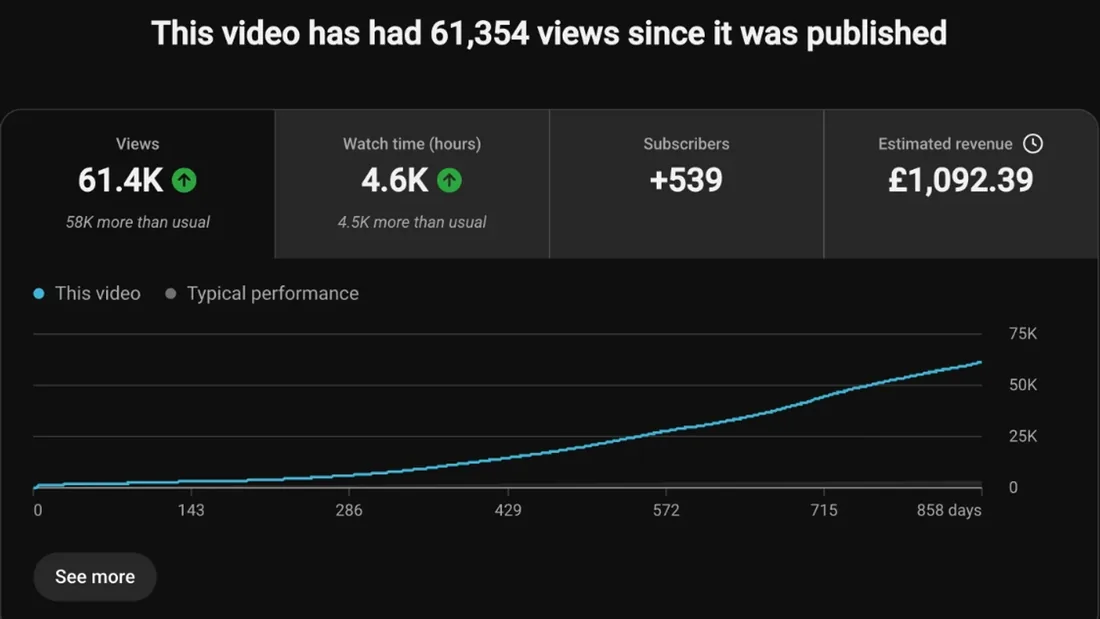
Step 01
Find your RPM
In YouTube Studio, open Analytics, then Revenue. RPM is what you earn per 1,000 views.
Free tool · Earnings
Enter your monthly views and your own RPM from YouTube Studio to estimate what a month and a year pay. It runs in your browser.
00:01How to use it
Step 01
In YouTube Studio, open Analytics, then Revenue. RPM is what you earn per 1,000 views.
Step 02
Use a typical month from Studio, not your best one, so the estimate stays honest.
Step 03
You get a month and a year. Add a second RPM to see a range instead of one number.
00:02Questions
It divides your monthly views by 1,000 and multiplies by your RPM, then does the same for a year. Nothing is sent anywhere: the sums happen in your browser.
RPM is revenue per 1,000 views, after YouTube's share. YouTube's help page on ad revenue analytics says it counts ads, channel memberships, YouTube Premium, Super Chat and Super Stickers, and that it is worked out per 1,000 engaged views.
RPM changes with your niche, your viewers' countries and the time of year, and the figures you see online are estimates that don't agree with each other. Your own RPM in Studio is the only number worth using.
Yes. Ad revenue starts once a channel is in the YouTube Partner Program. The monetization checker shows how a channel stands against YouTube's published line.
Your first look is free. The ideas cost $1 for 7 days.