Comparison · 6 min read
PreFilm vs TubeBuddy: what to film, or how to optimise it?
PreFilm vs TubeBuddy comes down to which job you need doing. TubeBuddy is a toolkit for optimising and managing the videos you make, mostly inside YouTube, and it has a free plan. PreFilm is built to get business owners more customers from YouTube, by deciding what to make: it starts from what you sell, shows the proof behind every idea and writes the script in your voice.
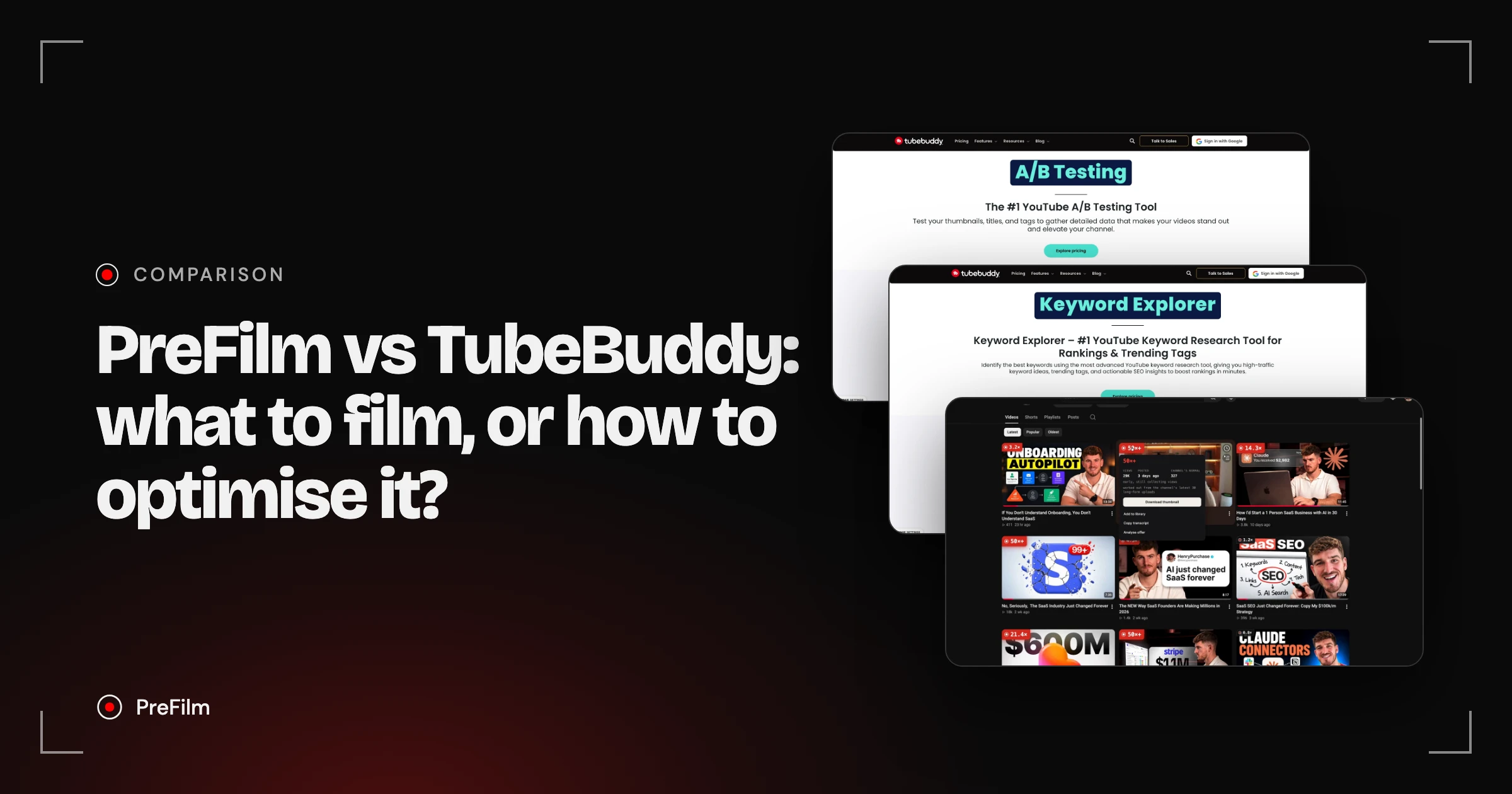
TubeBuddy is a long-running YouTube SEO and channel management toolkit that works inside YouTube: keyword research, SEO scoring, A/B tests, bulk editing and analytics, with a free plan and paid plans priced by location. PreFilm is built to get business owners more customers from YouTube, and it does an earlier job: it starts from what you sell, hands you video ideas with the evidence behind them, then writes the script in your own voice. To optimise and manage the videos you make, TubeBuddy covers more. To decide which videos will bring in customers, PreFilm is built for that.
Choose PreFilm if…
- Your channel exists to bring in customers for what you sell
- You want every idea to come with the video and data behind it
- You want scripts written from your own videos, in your voice
- You want to ask Claude or ChatGPT what to film next, on any plan
Choose TubeBuddy if…
- You want a free plan to start with
- You want keyword research and SEO scoring for titles, tags and descriptions
- You want A/B tests on live videos and bulk editing across your channel
- You want SEO and channel tools inside YouTube through a browser extension
Find the videos your buyers already watch
Find my winning videosPreFilm and TubeBuddy, compared
| Feature | PreFilm | TubeBuddy |
|---|---|---|
| Starts from what you sell | Yes | Not stated on their site |
| Outlier research | Yes | Not stated on their site |
| Evidence behind every idea | Yes | Not stated on their site |
| Scripts in your own voice | Yes | Not stated on their site |
| Use it in Claude and ChatGPT | YouTube MCP for Claude and ChatGPT, included on every plan | Not stated on their site |
| Free plan | Not included$1 for 7 days on a monthly plan | Yes |
| Starting price | $49/mo (Creator) | Varies by location |
Checked 2 November 2026 on TubeBuddy's own site.
PreFilm vs TubeBuddy: where they really differ
They overlap less than you'd expect. Much of TubeBuddy is built around a video you've already made, while PreFilm works before you press record.
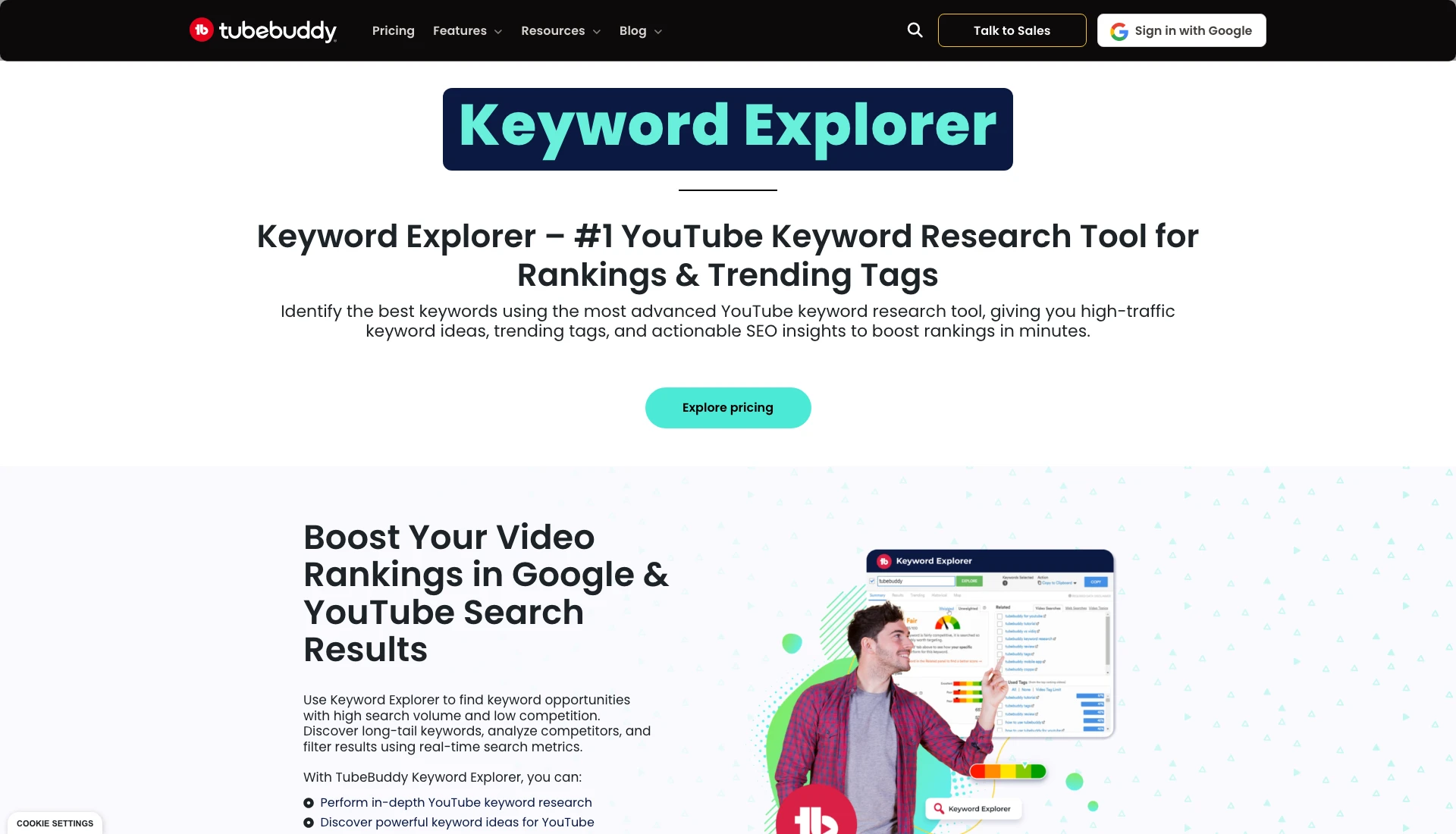
What TubeBuddy does well. Its 50+ tools sit inside YouTube through its browser extension. SEO Studio scores your title, tags and description as you write them, Keyword Explorer shows search volume and competition for YouTube keywords, and the bulk editors update cards, end screens and descriptions across a whole channel. It does have an idea tool too: Next Video Ideas looks at your videos, your comments and your niche against millions of other videos, and gives each idea a score built for your channel. When I checked TubeBuddy's site on 2 Nov 2026, the free plan got limited access to Keyword Explorer.
What PreFilm does instead. PreFilm starts from your channel plus what you sell. It finds outliers in and around your niche (an outlier is a video that got far more views than its channel normally gets), reads the comments under them and the searches your buyers make, and turns them into video ideas for your offer. Every idea shows the video it came from, how far it beat that channel's normal, when the format first appeared and how many times it's been done since. I go through the method in how to find YouTube video ideas that are already proven.
Scripts. PreFilm's script writer reads up to 20 of your own transcripts and writes in your phrasing, with a moment built in to mention what you sell. On TubeBuddy's side, the AI tools include a title generator and a thumbnail generator, with unlimited AI features on Legend. If you'd rather write your own, here's how to write a YouTube script.
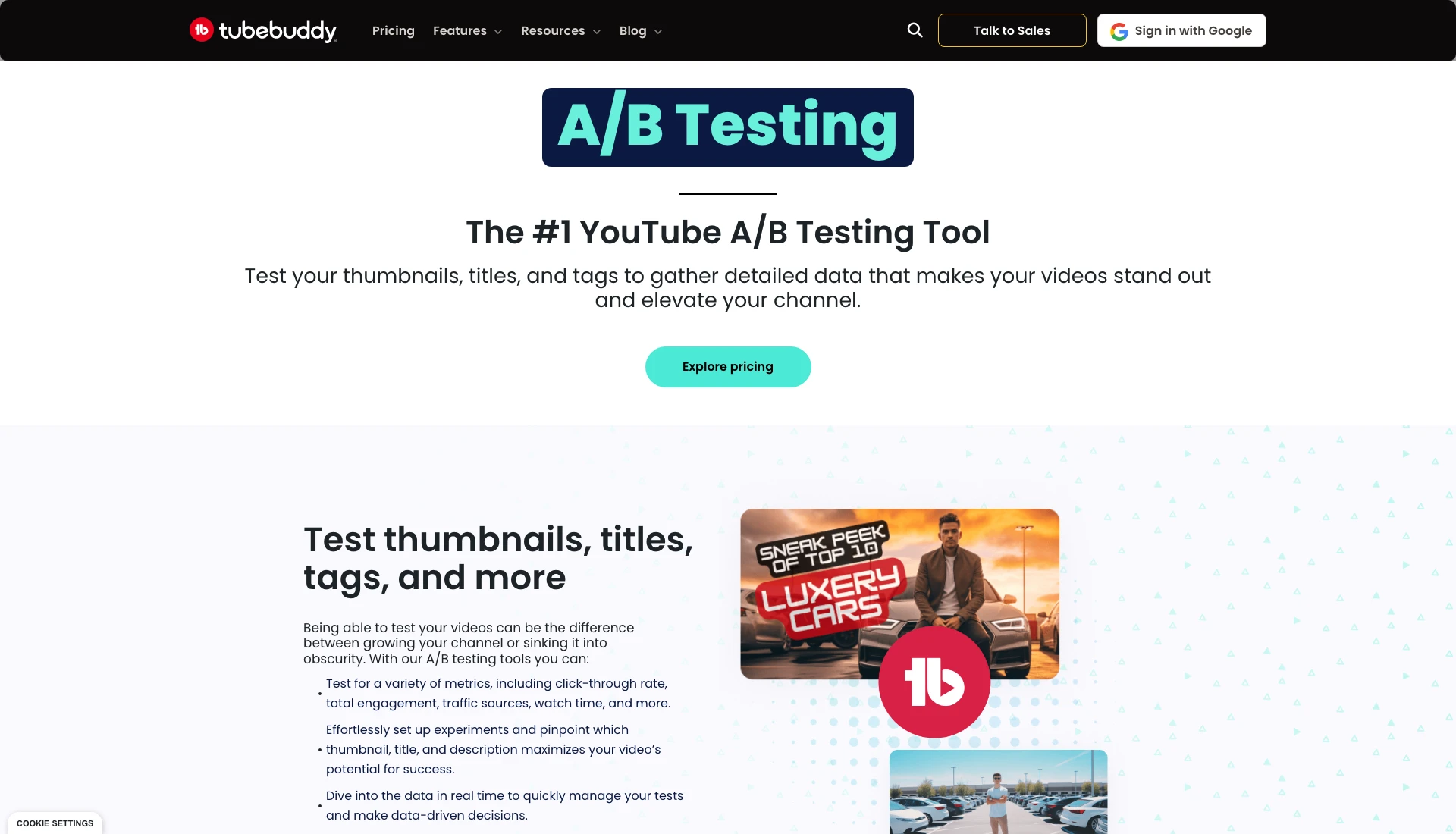
Testing titles and thumbnails. TubeBuddy's A/B tests rotate your thumbnail, title or description on a live video, measure real click-through rate and pick a winner. When I checked its A/B Testing page on 2 Nov 2026, A/B tests came with Legend and Enterprise, not Pro. Legend has no monthly cap on tests, with up to 10 running at once. YouTube also has its own A/B testing for titles and thumbnails now, with up to three options per test, on computers. PreFilm's check happens earlier: Roast, PreFilm's title and thumbnail checker, judges a title (or title and thumbnail) against what's working in your niche before you film. A live test and a check before filming answer different questions, so they sit fine together.
See which videos would bring you customers
Find my winning videosWho TubeBuddy's plans are for
TubeBuddy's Pro and Legend plans are licences for individual creators. Its pricing page says they aren't available to businesses, which TubeBuddy defines, at its discretion, as meeting any one of these:
- more than one YouTube channel on TubeBuddy
- 50,000 or more YouTube subscribers
- three or more channel managers
- 50 or more employees
Businesses that meet any of those are pointed to TubeBuddy Enterprise, which is priced through sales. A one-channel consultancy under all four can usually use the creator plans, but TubeBuddy keeps the final say. PreFilm's Creator plan is for one channel, and Pro covers up to 10.
TubeBuddy pricing vs PreFilm pricing
TubeBuddy shows each visitor prices for their location, so check TubeBuddy's pricing page for what you'd pay. PreFilm's are on PreFilm's pricing page.
| PreFilm | TubeBuddy | |
|---|---|---|
| Free plan | No, monthly plans start with $1 for 7 days | Yes |
| Entry plan | Creator: $49 a month, or $408 a year | Pro, billed monthly or yearly |
| Higher plan | Pro: $119 a month, or $999.60 a year, up to 10 channels | Legend, billed monthly or yearly |
| Businesses and teams | Pro covers up to 10 channels | Enterprise, priced through sales |
Channels under 1,000 subscribers can get 50% off with TubeBuddy's RisingStarBuddy coupon at checkout. PreFilm's $1 week includes 400 credits, and annual plans are paid for the year with no trial.
Who each one is for
TubeBuddy suits creators who already know what to film and want each video better optimised, tested and easier to manage, without leaving YouTube.
If vidIQ is on your list too, I've compared the two directly in vidIQ vs TubeBuddy, and there's a wider list in the best TubeBuddy alternatives.
PreFilm suits business owners whose channel has to bring in customers: consultants, agencies, coaches, clinics, law firms and other service businesses. That's the job I used YouTube for at my last company. Every video was picked from search demand and proven formats before I filmed it, and YouTube became a six-figure revenue engine for the business. More on that in YouTube marketing for businesses.
And if you work in Claude or ChatGPT, PreFilm's YouTube MCP is on every plan, so you can ask what to film next and see the evidence in the chat.
Can you use PreFilm and TubeBuddy together?
Yes, and it's a natural split. PreFilm decides which videos to film and writes the scripts, and TubeBuddy helps with tags, descriptions, tests and bulk edits once they're up.
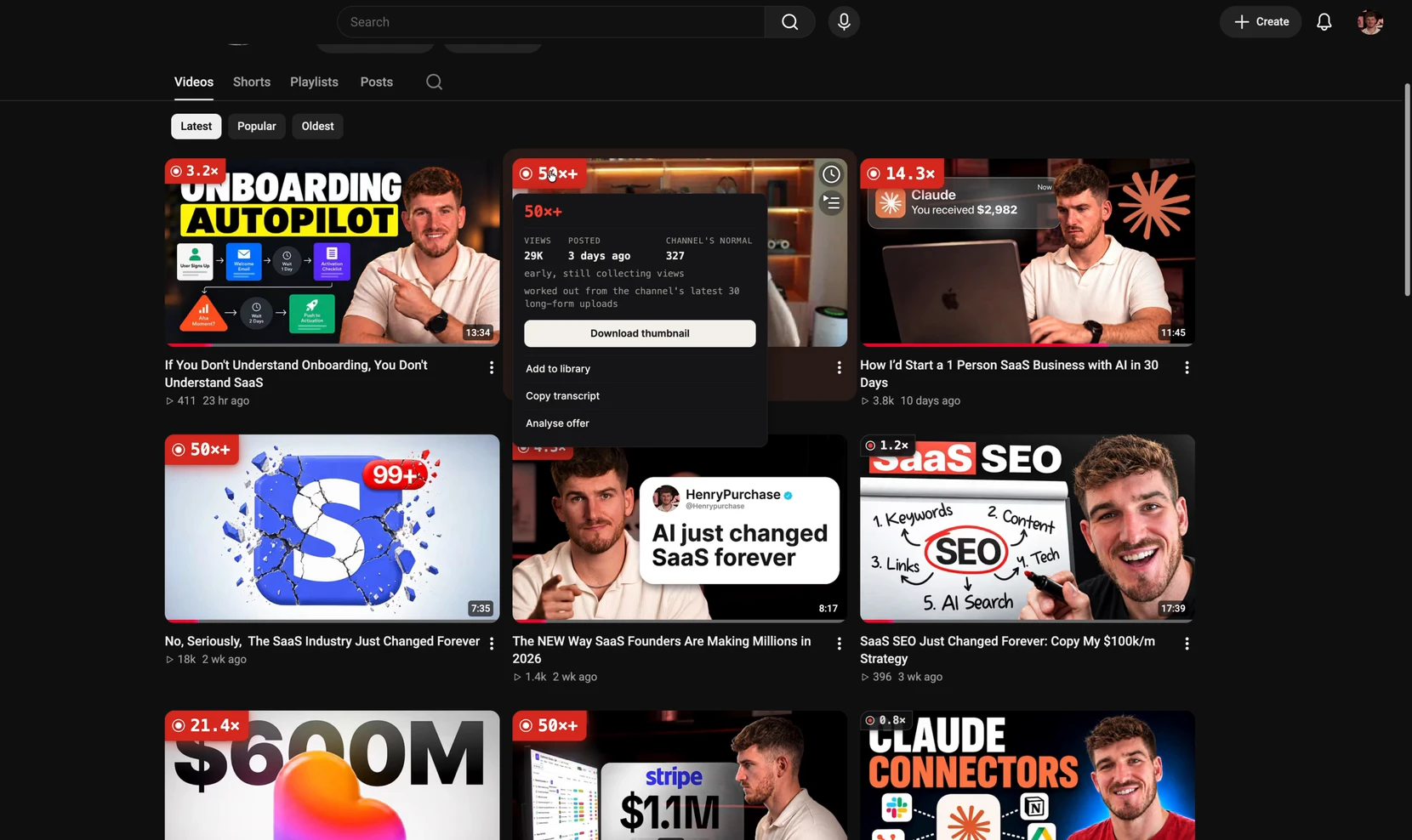
If you like TubeBuddy because it lives inside YouTube, the PreFilm outlier badge, PreFilm's Chrome extension, puts a badge on every long-form video showing how far it beat its channel's normal. Open a badge and you can copy the video's transcript or analyse the offer it's selling.
Stop guessing what to film.
PreFilm finds the videos your buyers already watch and writes the script in your voice. $1 for 7 days.
Find my winning videosQuestions
Questions.
Is PreFilm a TubeBuddy alternative?
For deciding what to film, yes. TubeBuddy is mostly about optimising and managing your videos: SEO scoring, keyword research, A/B tests and bulk edits. PreFilm is built to get business owners more customers from YouTube: it starts from what you sell, finds the videos your buyers watch, and turns them into ideas and scripts. Plenty of channels could use both.
Is TubeBuddy free?
TubeBuddy has a free plan, with limited access to tools like Keyword Explorer, and paid Pro and Legend plans for individual creators. Channels that cancel a paid plan drop back to the free plan. PreFilm has no free plan; its monthly plans start with $1 for 7 days, which includes 400 credits.
How does TubeBuddy pricing compare with PreFilm?
TubeBuddy's prices vary by location, so check its pricing page for what you'd pay. It has a free plan and two paid creator plans, Pro and Legend, both billed monthly or yearly. PreFilm's Creator plan is $49 a month or $408 a year, and Pro is $119 a month for up to 10 channels.
Can businesses use TubeBuddy's Pro and Legend plans?
Sometimes. TubeBuddy says Pro and Legend are for individual creators and not for businesses, which it defines at its discretion as having more than one channel on TubeBuddy, 50,000 or more subscribers, three or more channel managers, or 50 or more employees. Businesses that meet any of those are pointed to TubeBuddy Enterprise.
PreFilm vs TubeBuddy: which is better for a business channel?
PreFilm is the better fit when you need to know which videos will bring in customers, because that's what it's built for: it starts from your offer and shows the proof behind every idea. TubeBuddy is the better fit when you already know what to film and want tools to optimise, test and manage those videos inside YouTube.